
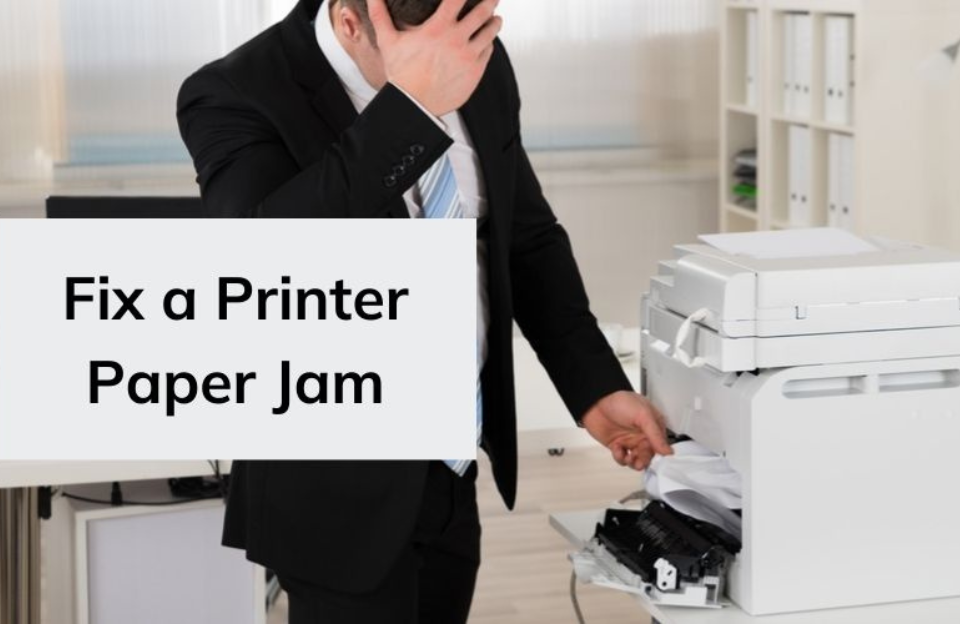
Paper jams are one of the most common and frustrating printer problems.
Step 1: Turn Off Printer
-
Always switch off before removing paper.
Step 2: Remove Jammed Paper
-
Open the rear tray, front cover, or paper path access area.
-
Gently pull out the jammed paper—avoid tearing it.
Step 3: Check Rollers
-
Look inside for small bits of torn paper.
-
Clean rollers with a soft, lint-free cloth if dusty.
Step 4: Reload Paper Correctly
-
Fan the stack of paper before loading.
-
Don’t overload the tray.
✅ Tip: Use the right paper type and avoid damp or curled paper.


