
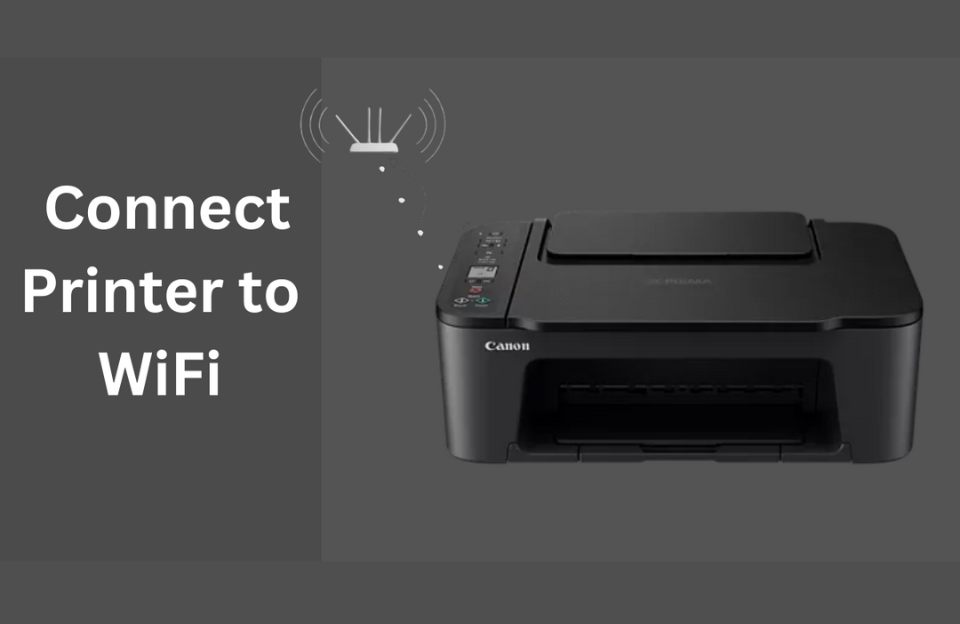
Connecting your printer to Wi-Fi lets you print wirelessly from computers, laptops, and even smartphones.
Steps to Connect:
-
Turn on your printer and make sure it has paper and ink/toner.
-
On the printer control panel, go to Network or Wireless Settings.
-
Select Wi-Fi Setup Wizard.
-
Choose your Wi-Fi network name (SSID) from the list.
-
Enter your Wi-Fi password using the printer keypad.
-
Wait until the printer confirms a successful connection.
Alternative: WPS Button (if supported)
-
Press the Wi-Fi button on the printer until it flashes.
-
Press the WPS button on your Wi-Fi router.
-
The devices will connect automatically.
✅ Tip: If the wireless setup fails, use a USB cable to connect temporarily and install drivers, then switch to Wi-Fi later.


