
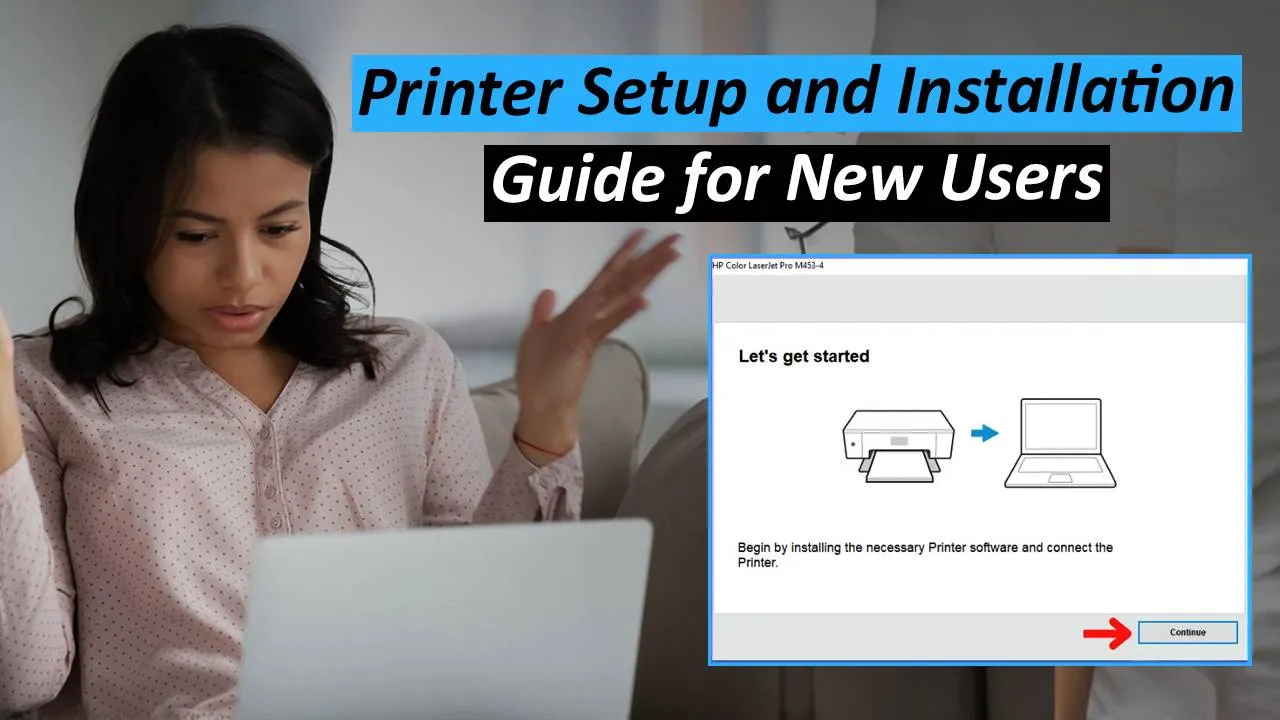
If you just bought a new printer, here’s the setup process:
Step 1: Unbox and Remove Packaging
-
Remove protective tapes and covers.
Step 2: Install Ink/Toner and Paper
-
Insert cartridges or fill ink tanks.
-
Load plain paper into the tray.
Step 3: Power On
-
Connect the power cable and switch on.
Step 4: Connect to Wi-Fi or USB
-
For wireless printers: use Wi-Fi Setup Wizard or WPS method.
-
For wired: connect with a USB cable.
Step 5: Install Software/Drivers
-
Download from the official brand website (HP, Canon, Brother, Epson).
-
Follow installation steps on-screen.
Step 6: Test Print
-
Print a test page to confirm everything is working.
✅ Tip: Install the brand’s mobile app (HP Smart, Canon PRINT, Brother iPrint&Scan, Epson iPrint) for easy smartphone printing.


